


PC Gaming Software in Uganda: Choosing the Right Setup for an Existing Venue
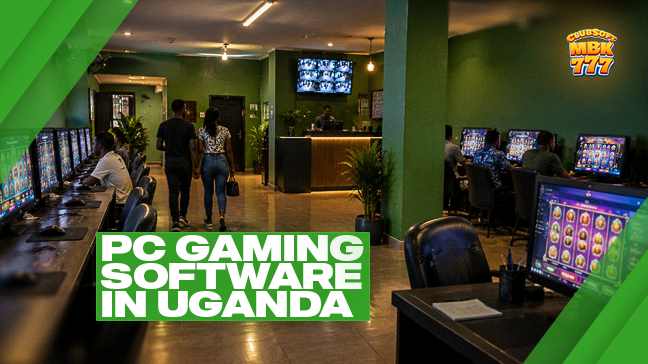
The right gaming configuration is not necessarily the one with the most screens or the largest equipment order.
For an established venue owner in Uganda, the better question is whether the setup fits the premises, the cashier operation and the way the business is managed.
A compact club, a larger gaming room and a small network may require different arrangements - even when they use the same software platform.
MBK777 ClubSoft is opening discussions with experienced Ugandan land-based operators about a package combining PC gaming software, cashier software and a management back office.
Single-user PCs: evaluate the individual playing position
In a single-user configuration, one player uses one computer. An owner reviewing this arrangement should consider the space available, screen placement, supervision and the relationship between each position and the cashier process.
During a demonstration, follow one position through a complete operating sequence. Ask how it is identified, how the cashier handles the relevant transactions and what happens when it needs technical attention.
The point is to understand the position as part of the venue, not simply as a computer that can display a game.
Multiplayer configurations: review the whole arrangement
MBK777 ClubSoft also describes configurations in which several players use separate mice connected to one computer. This creates a different set of questions.
How many players does the proposed configuration support? Which games are available in that mode? How are individual positions and balances distinguished? Can the cashier identify the correct transaction clearly?
Also consider what happens if the shared computer requires a restart or another technical intervention.
A multiplayer demonstration should show the cashier’s and manager’s views as well as the game screen. The exact capacity and supported game combinations need to be confirmed for the proposed installation.
There is no reason to assume that every title supports every configuration.
Keep the cashier at the centre of the review
MBK777 ClubSoft’s described venue model uses cashier software for cash receipts and payouts.
For an owner, that makes the cash workflow a central part of the buying decision. Before choosing equipment, ask to see how an ordinary transaction works and how it is reflected in the operational records.
Confirm the required presentation of Ugandan shilling amounts, staff access and reporting periods.
A gaming demonstration should not leave the cashier process to be explained “later.”
Ask what the owner can actually manage
The administrative side matters whether the business has one venue or several.
MBK777 ClubSoft’s materials describe remote management, operational reporting and configurable access permissions. Ask the team to show the functions relevant to your business rather than reviewing every menu in the platform.
For a single venue, the priority may be clear oversight. For a network, it may be understanding how locations and devices are organised. In either case, agree on who is authorised to change settings and what information each role can access.
Discuss your venue before buying more equipment
MBK777 ClubSoft’s technical management is based in Kenya and can help review the proposed configuration and answer installation questions.
Own or manage an established gaming venue in Uganda? Request a configuration review with MBK777 ClubSoft. Provide your location, approximate number of gaming positions and available computer equipment. The discussion can compare suitable single-user and multiplayer arrangements before you commit to a broader deployment.
Share
